
This is a demo of how to use CGDI Prog BMW MSV80 key programmer working with GodiagCAS4/CAS4+Test Platform to program a key for the FEM BDC box.
Connection
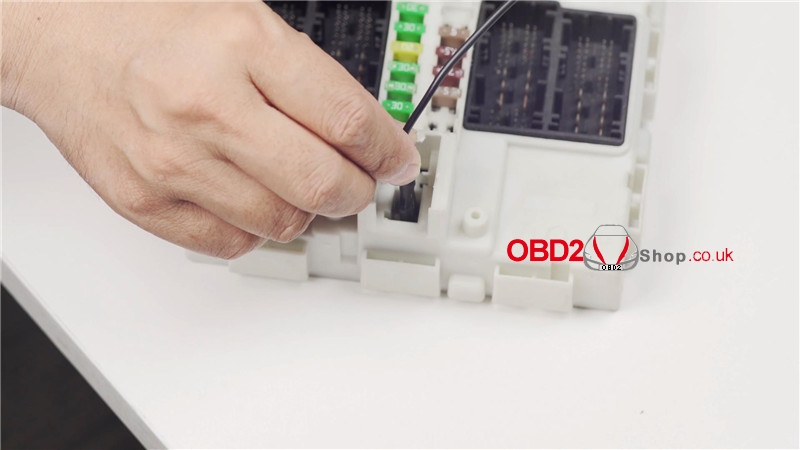
1. Insert wires to connect with GodiagTest Platform, GT100 Break Out Box, CGDI Prog BMW and FEM BDC box.

2. Put a BMW key on Godiag Test Platform, turn the switch on.
The indicator lights are on, which means the connection is successful, the FEM BDC box can work normally.

FEM/BDC Key Match
Open CGDI software on a computer, click “FEM/BDC Key Match”.

Key data will display on left side.
Main key programming functions are on right side:
Including generate dealer key, recovery code, delete key, enable key, disable, mileage reset, exit shipping mode, replace FEM/BDC, write EEPROM, backup FAFP, restore FAFP, reset starter lock, remote key repair.

BMW ISN Read & Write
BMW ISN read and write >> Read CAS ISN
OBD is connecting.
OBDII-KWP successfully connected.
We can perform diagram, read & write DEM ISN, CAS ISN here as well.

BMW F/G Series Program
BMW F/G Series Program >> Read ECU information
VIN and data were successfully read.
We can click other buttons(start programming, advanced programming, initialize the airbag, initialize the skylight, initialize windows) for programming.

The CAN lights of FEM on Godiag GT100 will change like turning weak while data communication.

Full operation video:
CGDI Key Programmer works with Godiag BMW Test Platform can detect and program FEM BDC box, test whether the BMW key was synchronized.


.jpg)


No comments:
Post a Comment