Showing posts with label change Ford Mondeo 2014 KM. Show all posts

Monday, 6 November 2017

Use Lonsdor K518ise to change Ford Mondeo 2014 KM

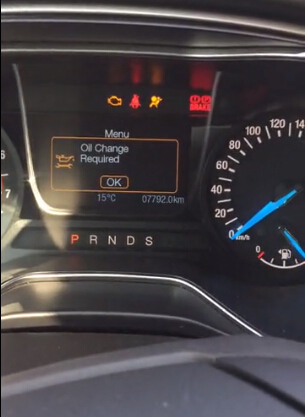
This post is on how to use Lonsdor K518ISE to change mileage on a 2014 Ford Mondeo.

Procedure:
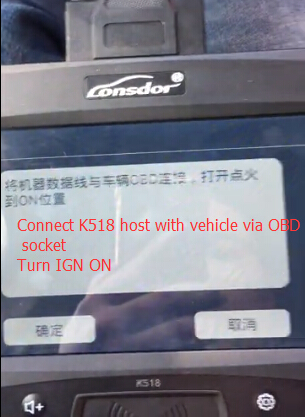
Connect K518 host with vehicle via OBD diagnostic socket
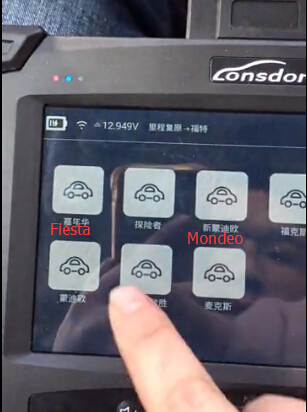
Select Odometer adjustment function on main menu


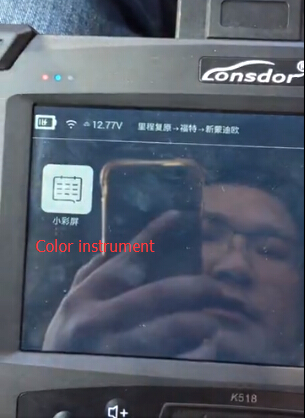
Select Ford->New Mondeo->Color dash-> Odometer correction
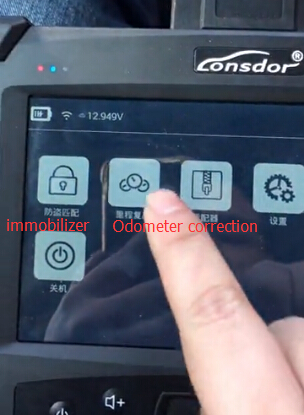


lonsdor-k518-change-mondeo-km-1
Select Ford->New Mondeo->Color dash-> Odometer correction
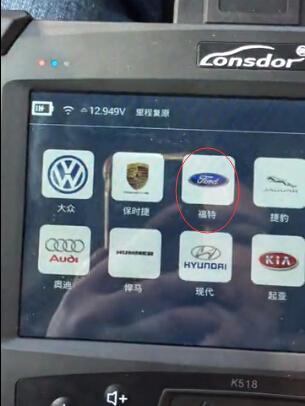
lonsdor-k518-change-mondeo-km-2

lonsdor-k518-change-mondeo-km-3

lonsdor-k518-change-mondeo-km-4

lonsdor-k518-change-mondeo-km-5

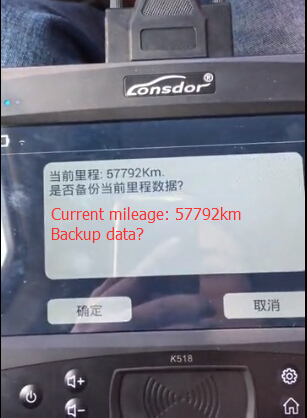
You must backup eeprom data before mileage correction
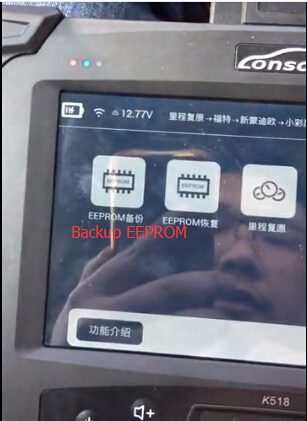
lonsdor-k518-change-mondeo-km-6

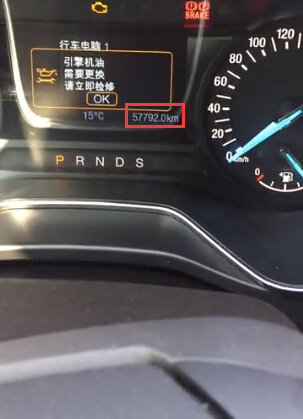
Turn ignition to ON position

lonsdor-k518-change-mondeo-km-7

lonsdor-k518-change-mondeo-km-8

lonsdor-k518-change-mondeo-km-9

Save original mileage data to bin format
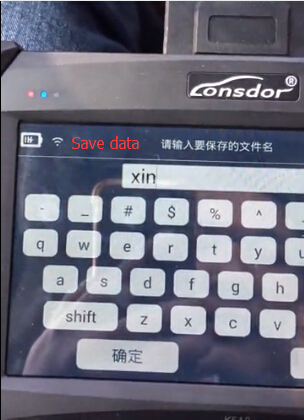
lonsdor-k518-change-mondeo-km-10

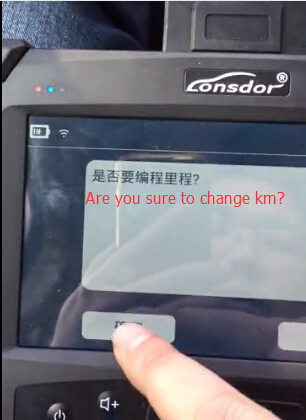
Press YES to change mileage

lonsdor-k518-change-mondeo-km-11
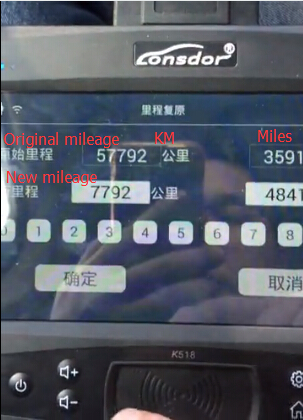
Enter new mileage you desired and confirm
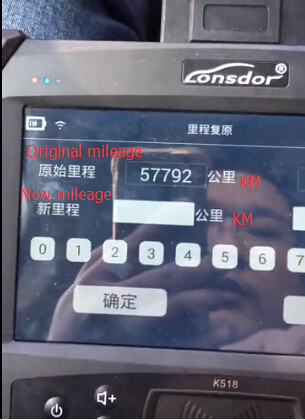
lonsdor-k518-change-mondeo-km-12

lonsdor-k518-change-mondeo-km-13

Change km in progress…
You’ll see the dashboard is in black and the yellow indicator on Lonsdor K518 programmer flashes
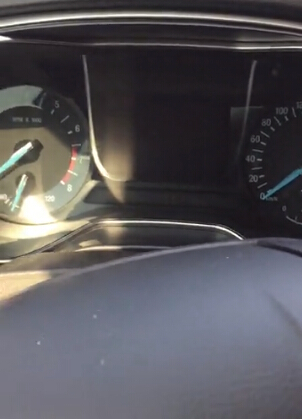
lonsdor-k518-change-mondeo-km-13

lonsdor-k518-change-mondeo-km-14

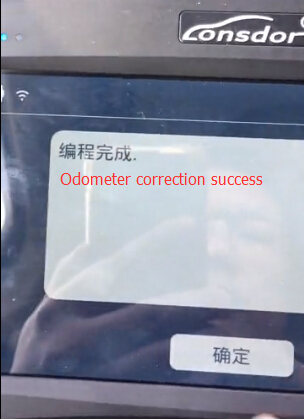
 Odometer correction succes


lonsdor-k518-change-mondeo-km-15

lonsdor-k518-change-mondeo-km-16
Done!

https://lonsdor-k518ise-key-programmer.blogspot.com/

Eoneboss HK001 vs. HK002 vs. HK003: Which Hyundai & Kia Key Tool?

Choosing between the Eoneboss HK001 , HK002 , and HK003 comes down to the key types and operations you need. The main differences are in ke...